How to clean the camera on Automower® with AI vision technology
Automower® models with AI vision technology use an in-built camera to detect and avoid obstacles, and support navigation. To ensure optimal detection and navigation performance, keep the camera clean and free from dirt, grass clippings or other debris.
When to clean the camera
- After mowing in wet, dusty, or other challenging conditions, inspect the camera and clean it if necessary.
- If the Automower® Connect app displays the message “No object detection available”, it means the camera may be obstructed or dirty, preventing the AI vision system from detecting objects correctly. Clean the camera to restore proper functionality.
How to clean the camera
- Locate the camera on the front of the lawn mower.
- Use clean water to gently rinse away loose particles and debris.
- Wipe the lens carefully with a soft cloth.
Note: Do not use abrasive materials, solvents or harsh chemicals, as these may damage or scratch the lens surface. Do not use a pressure washer.
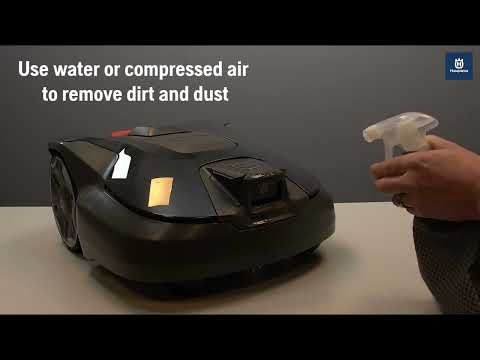
Video guide
This video shows how to clean the AI vision camera.
Related topics: How Automower® AI vision technology works | Object detection and avoidance with AI vision technology
Was this article helpful?